Building Your First CI/CD Pipeline: Start Simple, Scale Smart
Why Most Teams Get CI/CD Wrong From Day One
I’ve watched dozens of teams dive into CI/CD with elaborate visions of automated nirvana, only to abandon their pipelines six months later when they become unmaintainable monsters. The problem isn’t with CI/CD itself. Most teams try to solve tomorrow’s problems today, building complex systems before they understand their actual needs.
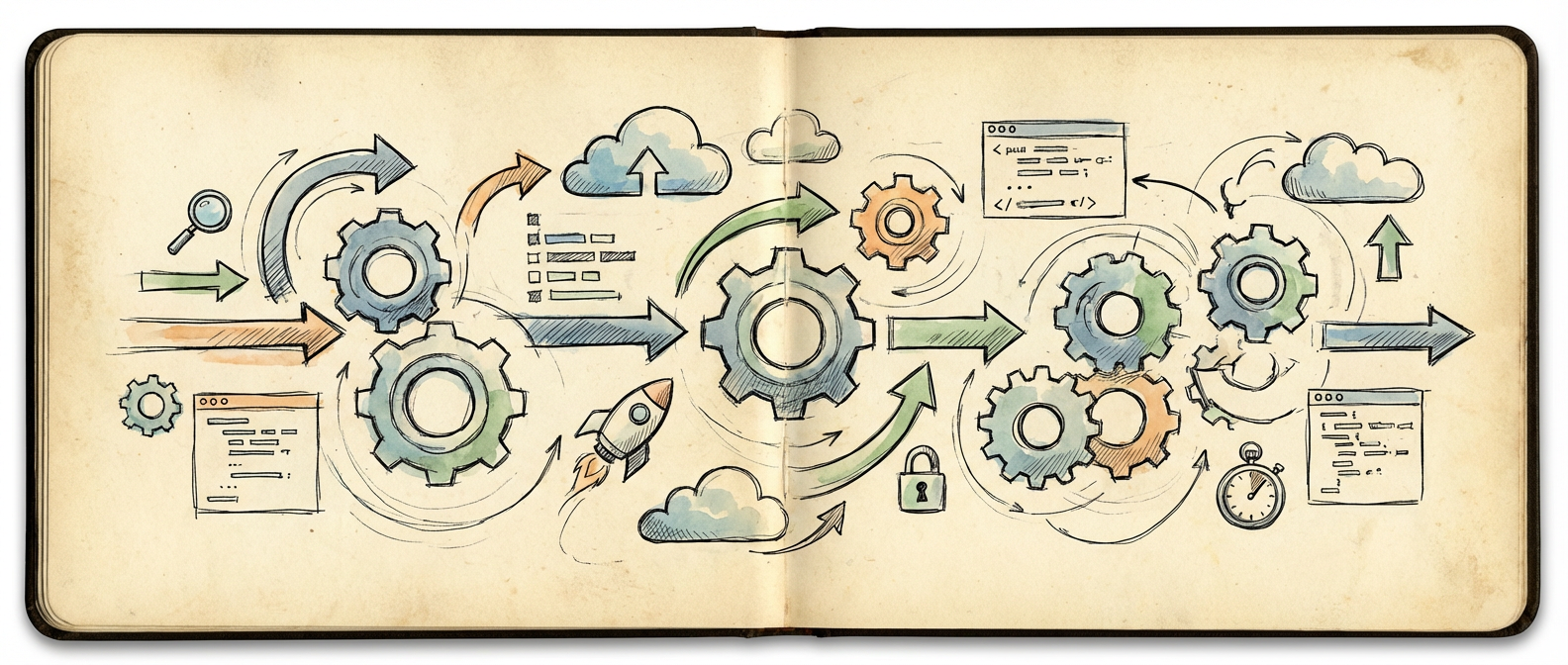
The best CI/CD implementations I’ve seen started embarrassingly simple. A single script that runs tests and deploys to staging. Maybe a webhook that triggers on git push. These humble beginnings taught teams what they actually needed before they invested in sophisticated orchestration tools or multi-stage approval workflows.
Your first pipeline should do exactly three things: run your tests, build your application, and deploy it somewhere safe where you can verify it works. Everything else is optimization for problems you don’t have yet. Trust me, you’ll have plenty of real problems to solve once you’re running code in production regularly.

The Foundation: Start With a Single Environment
Pick one environment and make deployment to that environment bulletproof. I recommend starting with a staging environment that mirrors production but doesn’t serve real users. This gives you a safe place to break things while you learn how your application behaves in a production-like setting.
Your initial pipeline structure should look like this: code commit triggers the pipeline, tests run automatically, and if tests pass, the code deploys to staging. That’s it. No manual approval gates, no complex branching strategies, no environment promotions. Just a straight line from commit to running code.
Focus intensely on making this simple flow reliable. If your tests are flaky, fix them. If deployments fail randomly, figure out why. If the staging environment drifts from production configuration, address that gap. These fundamental issues will only get worse as you add complexity, so solve them while the system is still simple enough to understand completely.
Once you can commit code and see it running in staging within five minutes, with confidence that it will work the same way every time, you’re ready to think about the next step. Not before.
Adding Production: Where the Real Learning Happens
Extending your pipeline to production deployment is where CI/CD gets interesting and where most teams discover what they actually need from their tooling. The key insight is that production deployment should be a separate, deliberate action, not an automatic consequence of passing tests.
Add a manual trigger or approval gate before production deployment. Yes, this means someone has to click a button or run a command to push to production. That’s exactly what you want while you’re learning how your application behaves in production and building confidence in your pipeline.
This is also where you’ll discover your first real requirements for pipeline features. Maybe you need to run database migrations before deploying. Maybe you need to notify your team when deployments happen. Maybe you need to be able to roll back quickly when something goes wrong. These aren’t abstract best practices anymore. They’re concrete problems you need to solve.
The manual production step also gives you time to observe your staging deployment. Does the application start up correctly? Do the health checks pass? Are there any error logs that suggest problems? This observation period becomes crucial data for deciding whether a deployment should proceed to production.
Essential Patterns That Actually Matter
After running hundreds of deployments through your basic pipeline, you’ll start to notice patterns in what goes wrong and what you wish you could do better. This is when you should start adding sophistication, but only to solve problems you’ve actually experienced.
The most valuable pattern I’ve implemented across multiple teams is comprehensive health checking. Your pipeline should verify that your application is actually working after deployment, not just that the deployment process completed without errors. This means hitting real endpoints, checking database connections, and verifying that core business functions are operational.
Another pattern that pays immediate dividends is deployment rollback capability. This doesn’t mean complex blue-green deployment strategies. It means being able to quickly revert to the previous working version when something goes wrong. In many cases, this is as simple as keeping the previous deployment artifacts around and having a script that can redeploy them.
Environment promotion becomes valuable once you’re regularly deploying to production and want to add confidence without slowing down the process. The pattern here is simple: code that works in staging gets promoted to production, but you maintain separate pipelines for each environment so you can hotfix production independently if needed.
When to Add Complexity and What to Add First
The hardest part of CI/CD isn’t building the initial pipeline. It’s knowing when and how to evolve it as your team and application grow. The key principle is to add complexity only when you’re feeling genuine pain from its absence, not because you read about a cool feature in a blog post.
Parallel test execution becomes valuable when your test suite takes longer than your patience. Multi-stage builds become useful when you’re building multiple artifacts or deploying to multiple environments regularly. Advanced deployment strategies like canary releases make sense when you’re deploying frequently enough that a bad deployment significantly impacts your users.
But here’s what I wish someone had told me earlier: the most important addition to any CI/CD pipeline isn’t a technical feature. It’s observability. You need to know what your pipeline is doing, how long each step takes, and why things fail when they do. Invest in logging, monitoring, and alerting for your pipeline itself, not just the applications it deploys.
The teams that succeed with CI/CD long-term are the ones that treat their pipeline as a product. They iterate on it based on user feedback (the users being the development team), they measure its performance, and they’re willing to throw away parts that aren’t working. If you’re ready to start this journey, begin with that simple three-step pipeline. You’ll be surprised how much you can accomplish before you need anything more complex.

Bridging Neural Imagination: A New Era in Creative AI

Why Most Protocol Post-Mortems Would Not Pass a Peer Review
Who Pays to Watch: The Unpriced 1-of-N Honesty Assumption in Optimistic Rollup Fraud Proofs
About Author
